Ten years ago, I created a bonsai tree in Maya and sculpted it in Zbrush. I was not happy with the result, but never revisited it until now. I chose a different approach and focus this time. I wanted to explore a more painterly approach to my 3D model.
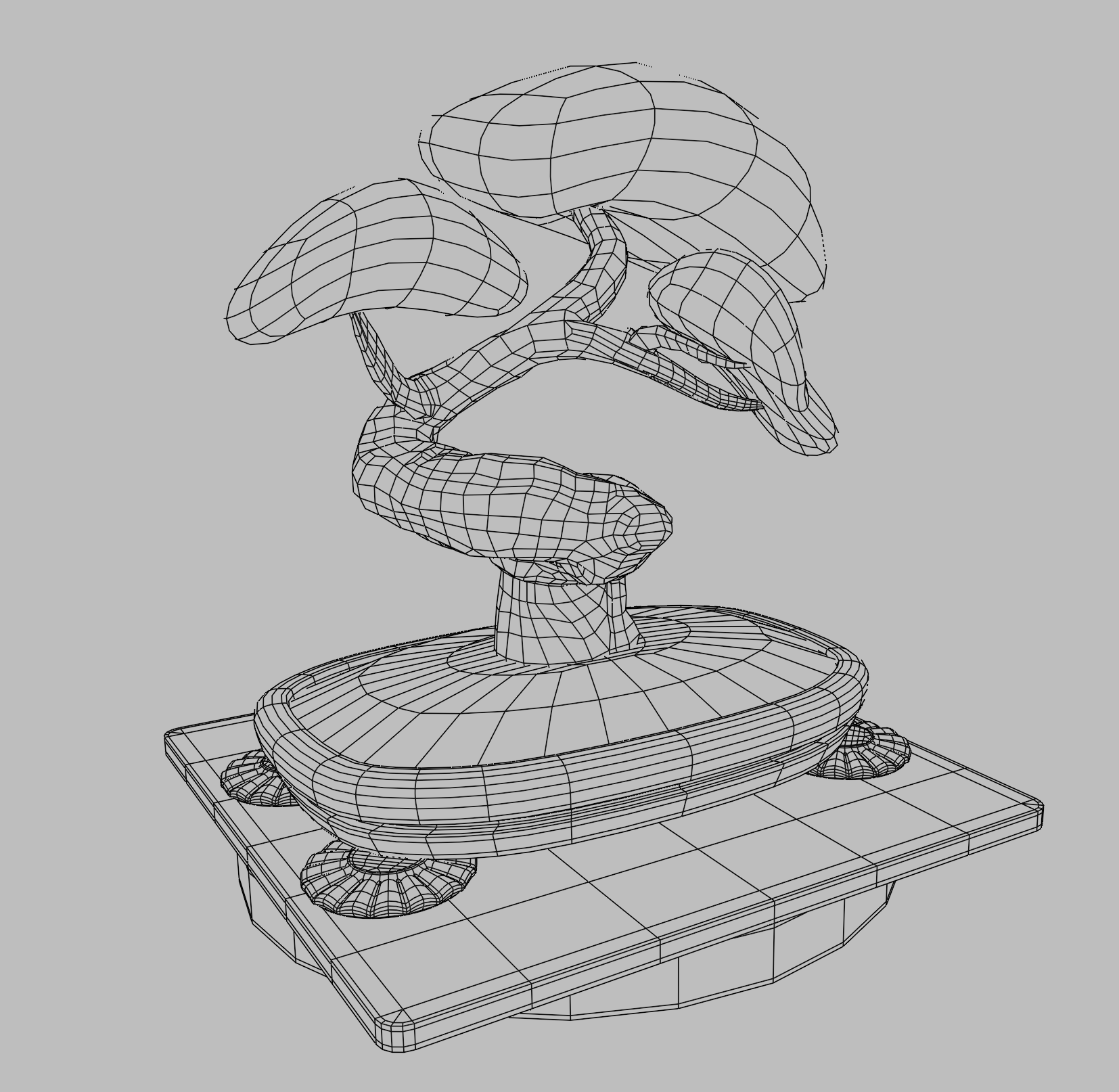
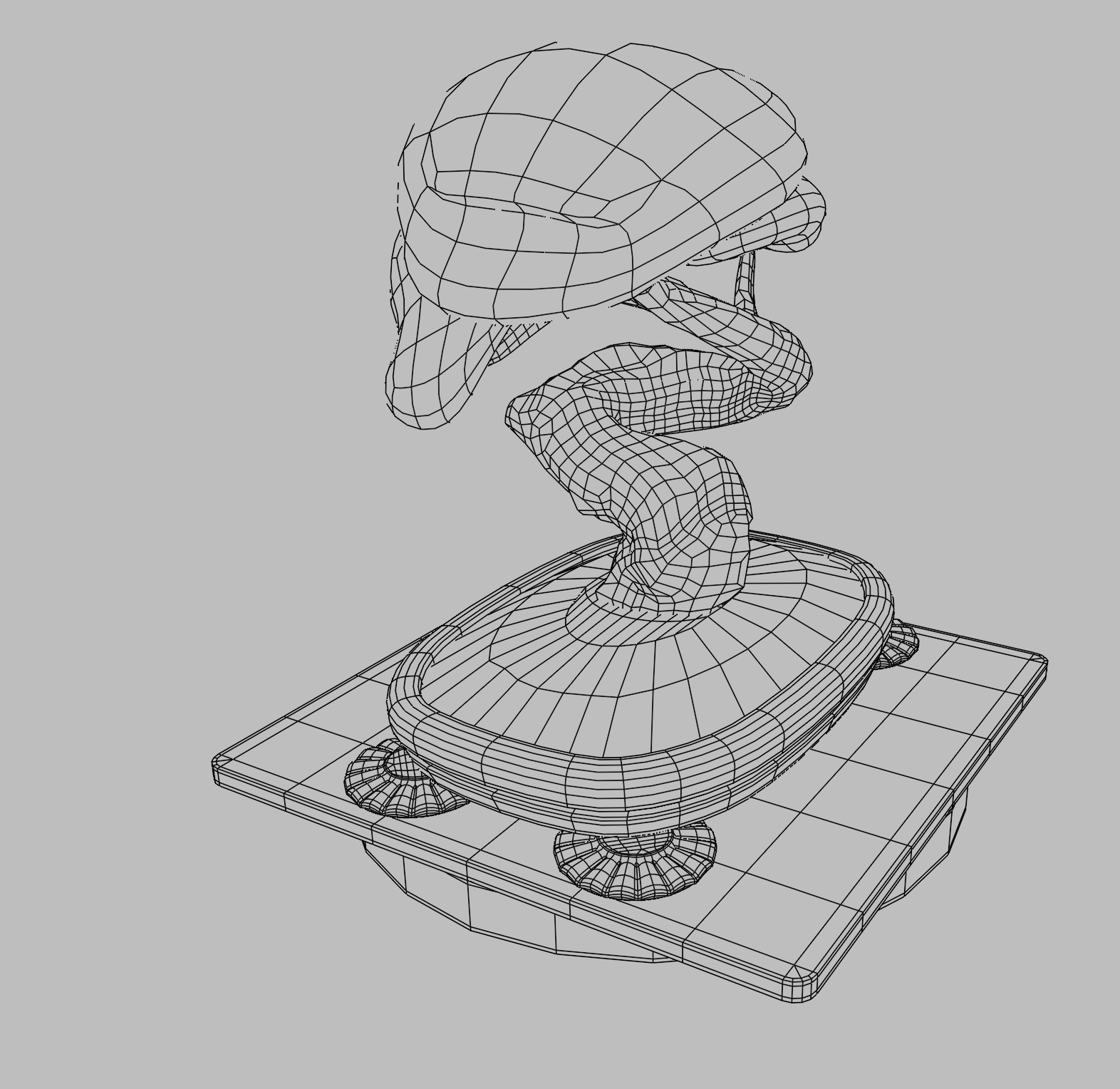
I began by modeling a low-poly tree using splines to get the general shape. I then used a sub-div surface modifier to increase the polygon density to a level I could sculpt with. After sculpting, I then created a new retopology model that would allow for better mesh deformation and texture painting.
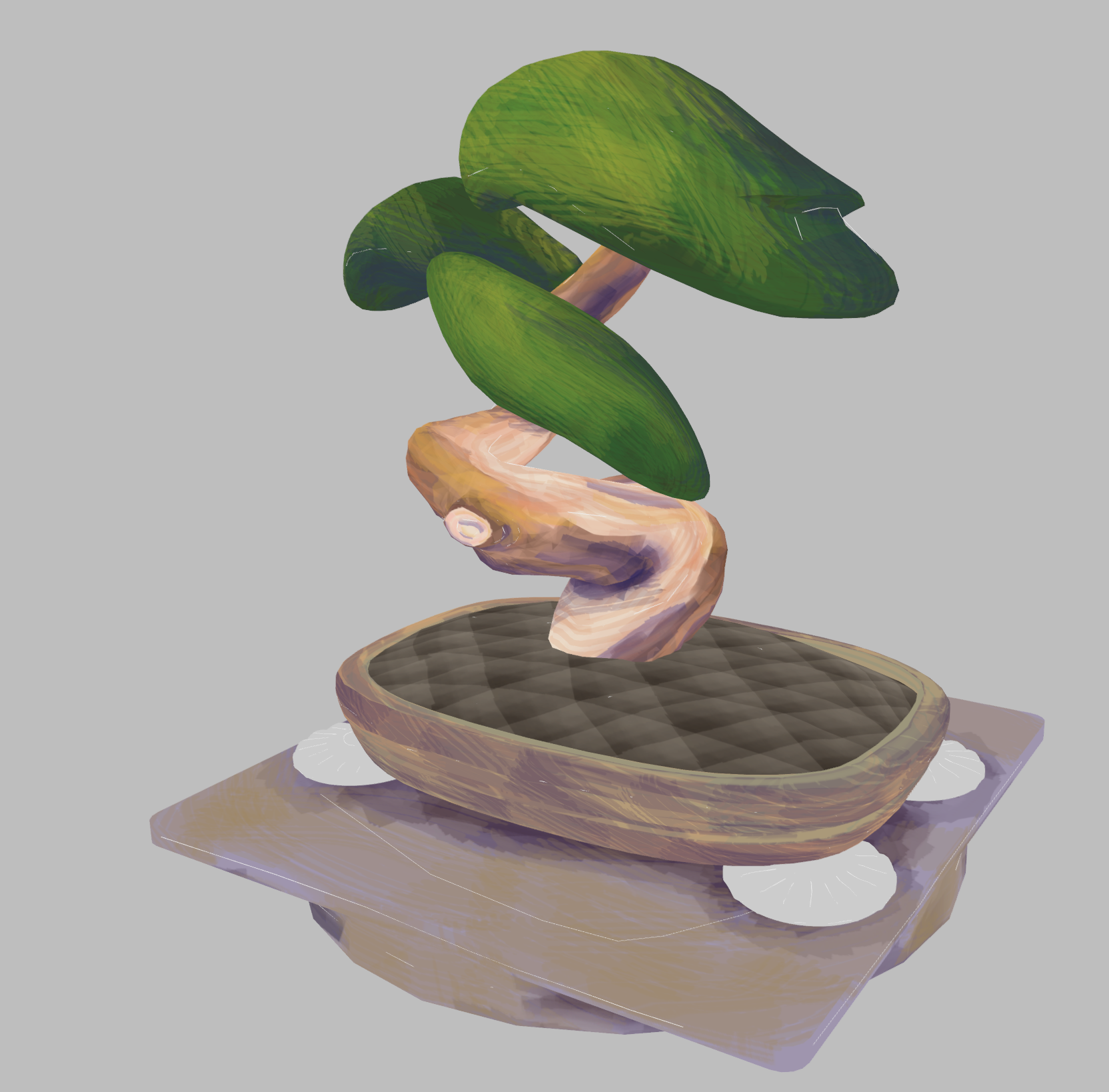
I used the brushstrokes tool, referencing the texture painting underneath to drive what looks like paint strokes. I was quite pleased with the final results.
I wanted the tree to be able to sway in the wind, so I added a simple armature to the primary trunk and branches. Simple controllers allowed me to rotate the trunk and branches at prominent points. The leaves were also given controllers with the ability to wiggle.
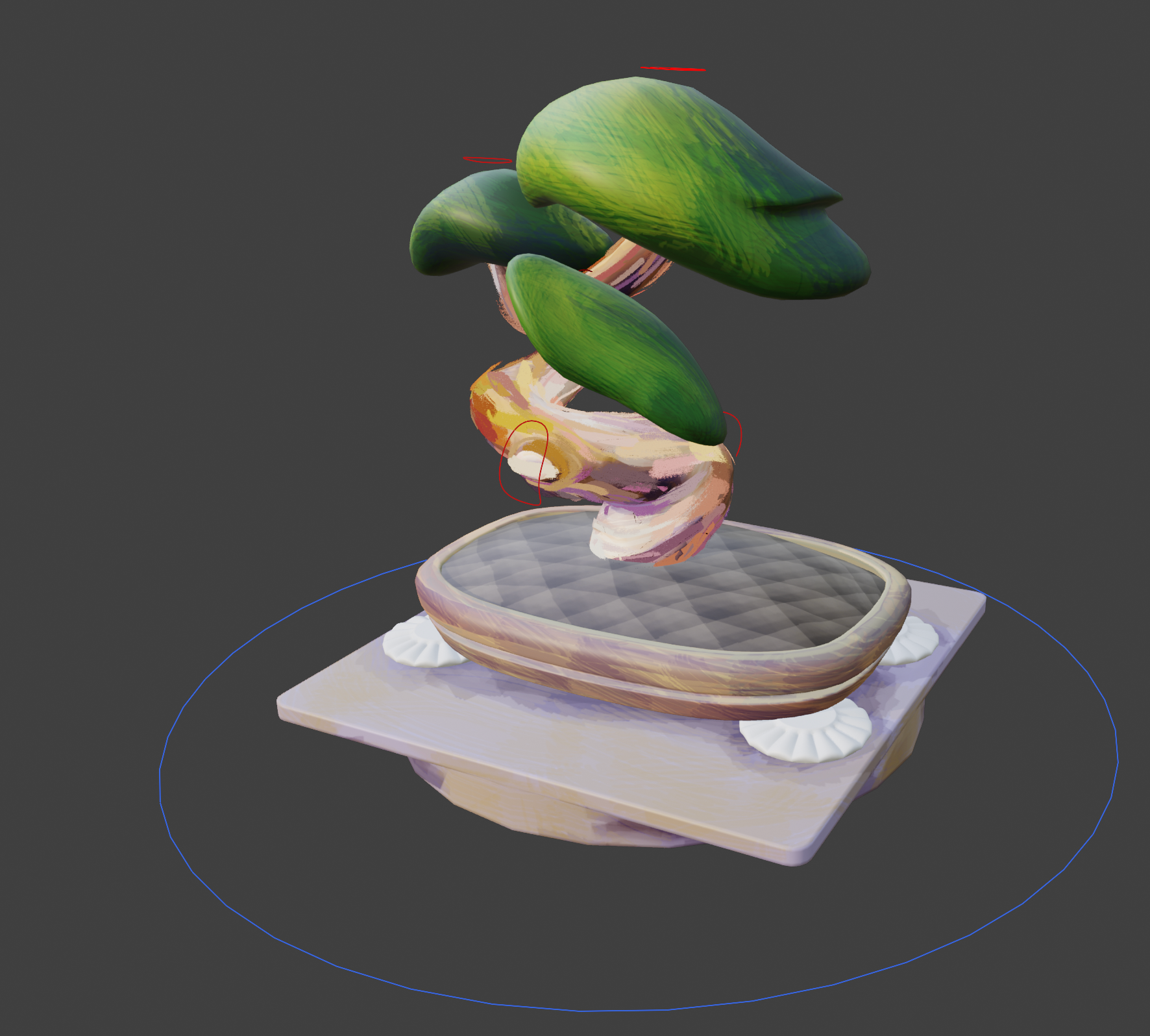
When I began animating, I discovered that the brushstrokes effect did not want to play nice. If moved the controllers, the brush strokes would change, creating a jittering effect which was undesirable. In the end this meant that I dropped having the tree sway in the wind. It was disappointing, but not important to my overall purpose. It is good for me to know in the future that this technique is best applied to hard objects with no deformation.
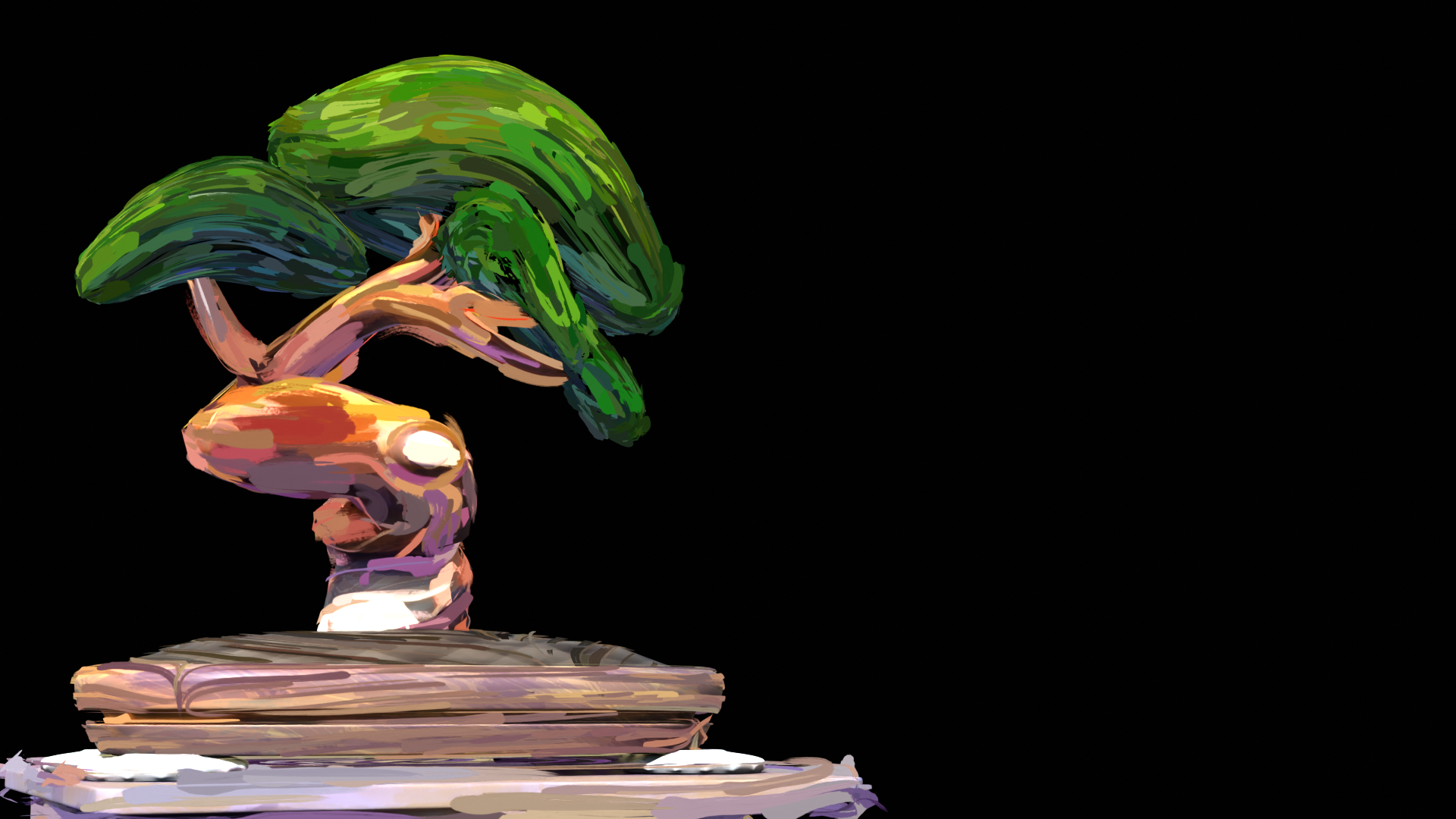
I created an animated mask in After Effects along with a simple text animation which I then brought into Blender's compositor. The complexity of the shot did not warrant using Blender's compositor, but I felt it was worth it for my own experience.